Zepir - Raspberry Pi Zero mini computer HAT
Please note that the order contains inly unassembled PCB, no components !!!, it is necessary to order additional parts and assemble it yourself, for more information, a list of parts, or more options, visit our Tindie store
| Category: | ZEPIR |
|---|
| More product variants, payment options, shipping methods, up-to-date stock status, and the latest firmware are available in my official international store on Tindie. For the best availability and current information, please visit my Tindie shop. |
It is not plug&play, need some linux modification to work, like install display driver, keyboard configuration and more
For this to work you need to have a bit more experience with Linux, check the attached file, there are some files that need to be placed in the right place, I will try to make some instructions for setting it up, if you have any questions feel free to ask, I will be happy to answer.
Updated Enhanced 2025 version - (Almost full keyboard)
Features:
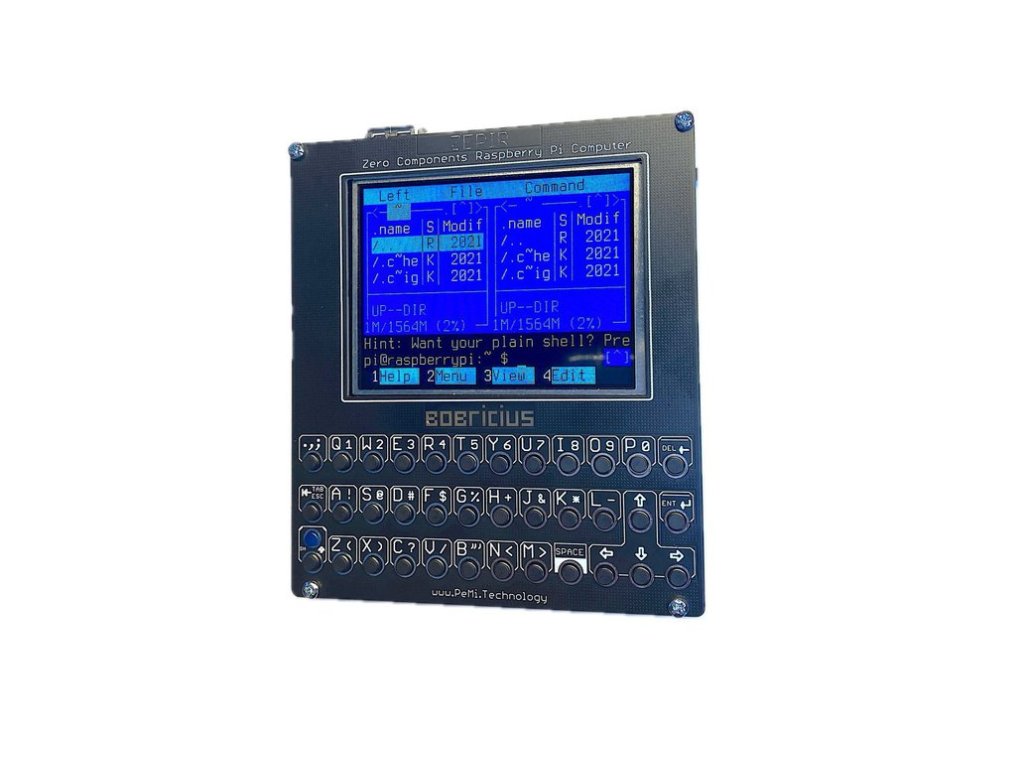
- 2.8" IPS 320x240 display ST7789
- sound working simple amplifier mono speaker
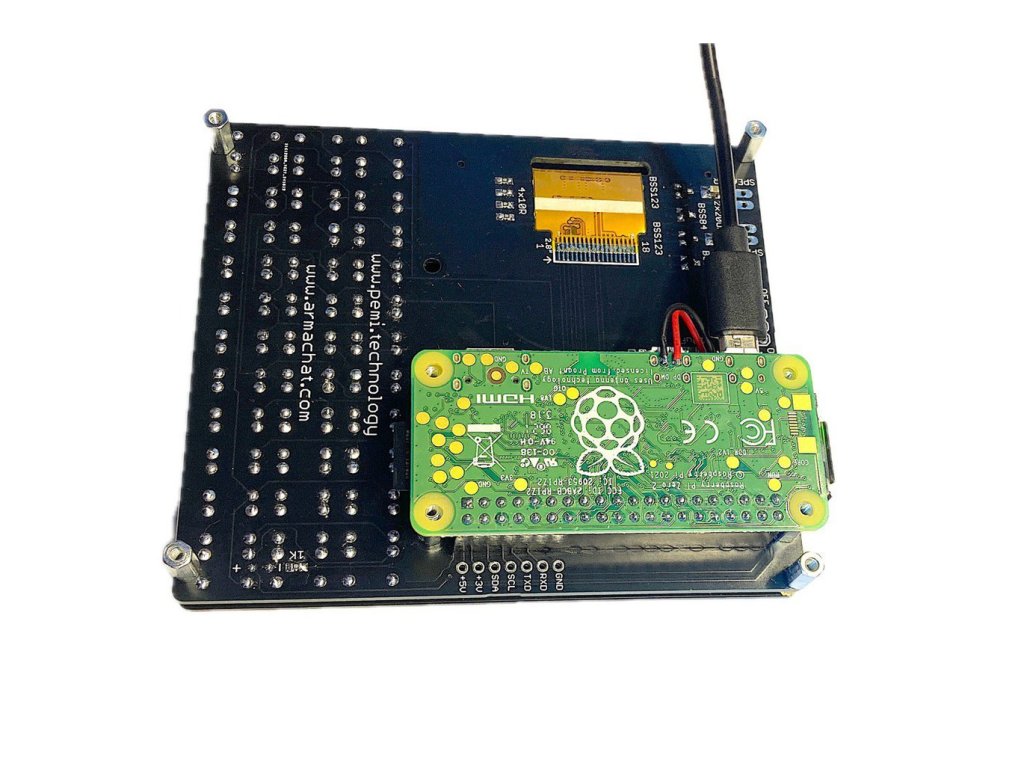
- optional USB-A for easy work with PI zero, 2 wires are required to test points D+,D-
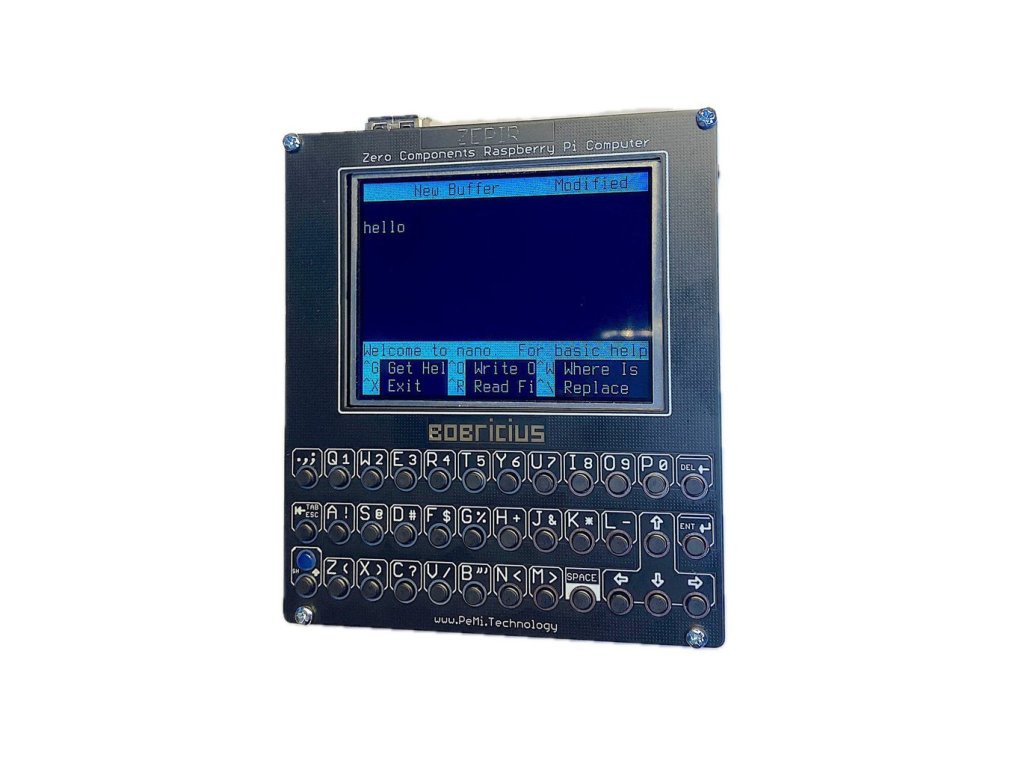
- ideal for terminal apps
- designed to run from powerbank
- integrated simple power supply
- GPIO keyboard 7x10 matrix with customizable python driver
-
comfortable keyboard
For X GUI apps you can use USB mouse
FOR ADVANCED USERS
Tested RPI Boards:
- RPI ZERO W
- RPI ZERO W 2 -> BEST
- RPI 4 (fit only without 18650 battery holder, need GPIO extension)
-
RPI 5 not supported
RASPBERRY PI IS NOT INCLUDED
No extra manufacturing, front panel is made in PCB factory + mainboard
Keeping my KISS philosophy make it stupid simple = one order = one device
YOU RECEIVE:
- main board with soldered 40pin female header for Raspberry pi
- buttons soldered
- display soldered
- front panel cover
Some install steps
- copy gamepi20.dtbo to overlays on Boot drive
-
add to config.txt
[all] #hdmi_cvt=320 240 60 1 0 0 0 #hdmi_group=2 #hdmi_mode=1 #hdmi_mode=87 dtoverlay=pwm hdmi_force_hotplug=1 dtparam=audio=on start_x=0 dtoverlay=audremap,pins_18 dtoverlay=gamepi20 boot_delay=1 disable_splash=1 enable_uart=0 disable this !!!!!!!!!!!!!!!! #dtoverlay=vc4-kms-v3d -
add to cmdline.txt
fbcon=map:10 fbcon=font:VGA8x8 -
add to rc.local
# Print the IP address _IP=$(hostname -I) || true if [ "$_IP" ]; then printf "My IP address is %s\n" "$_IP" fi sudo setfont /usr/share/consolefonts/Lat2-Terminus12x6.psf.gz & #sudo fbcp & sudo python3 /home/pi/gpiokeyboard/gpiokeyboard.py & exit 0 -
install sudo apt-get install python3-evdev
-
copy keyboard driver to /home/pi/gpiokeyboard/gpiokeyboard.py
-
in sudo raspi-config set sound output to PCM audio
NOTE
please carefully read project page before purchase, it is experimental thing